
Connecting Your Channels
Before launching campaigns, you'll need to connect at least one outreach channel. YESS AI SDR supports email and LinkedIn outreach.
Email Setup
Connect your email account to send personalized emails through your own inbox.
Prefer video? Watch the email setup walkthrough
Click on Settings in the sidebar, then select the Integrations tab.
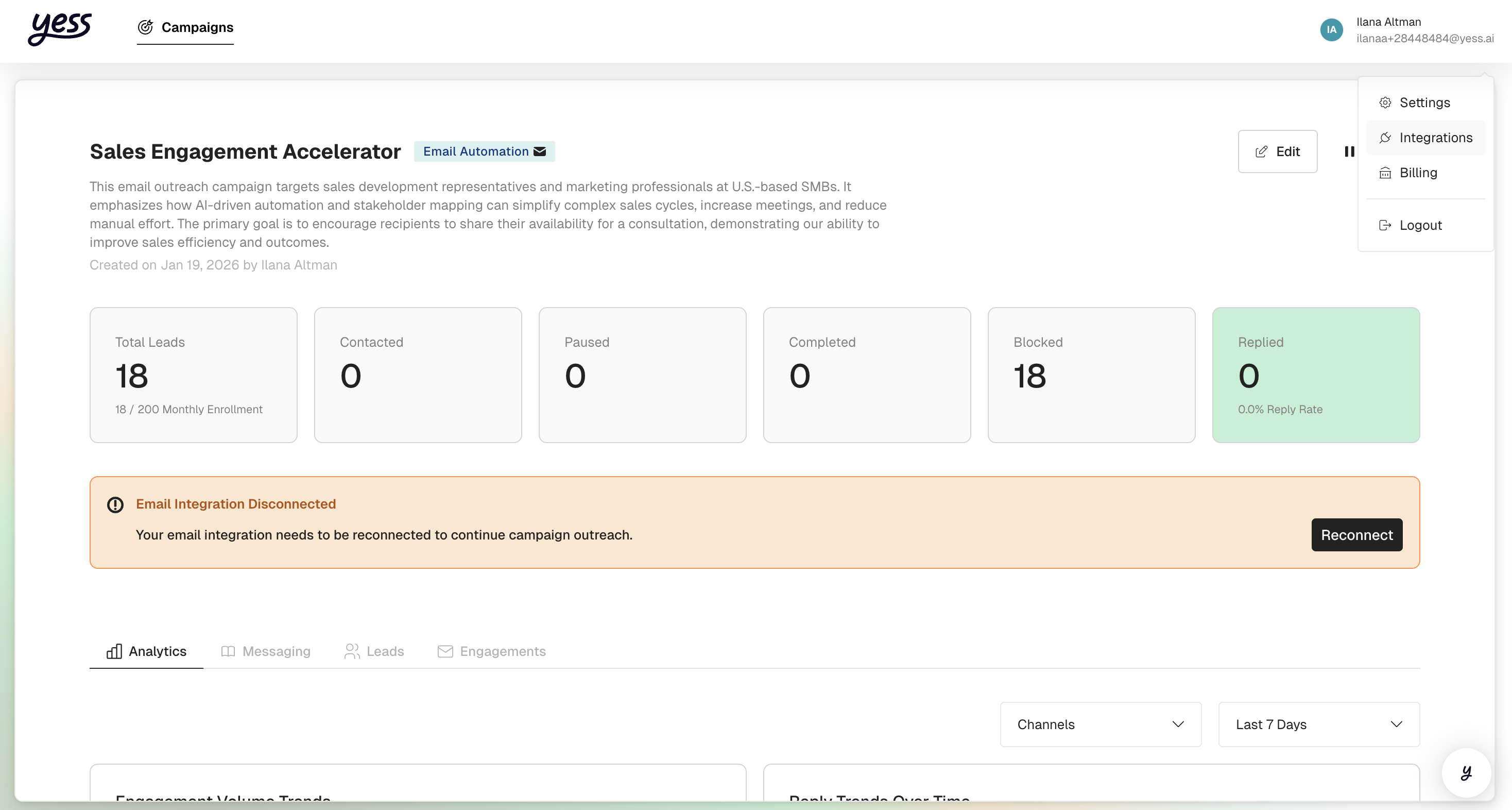
Click Connect Email and choose your email provider (Gmail or business email).
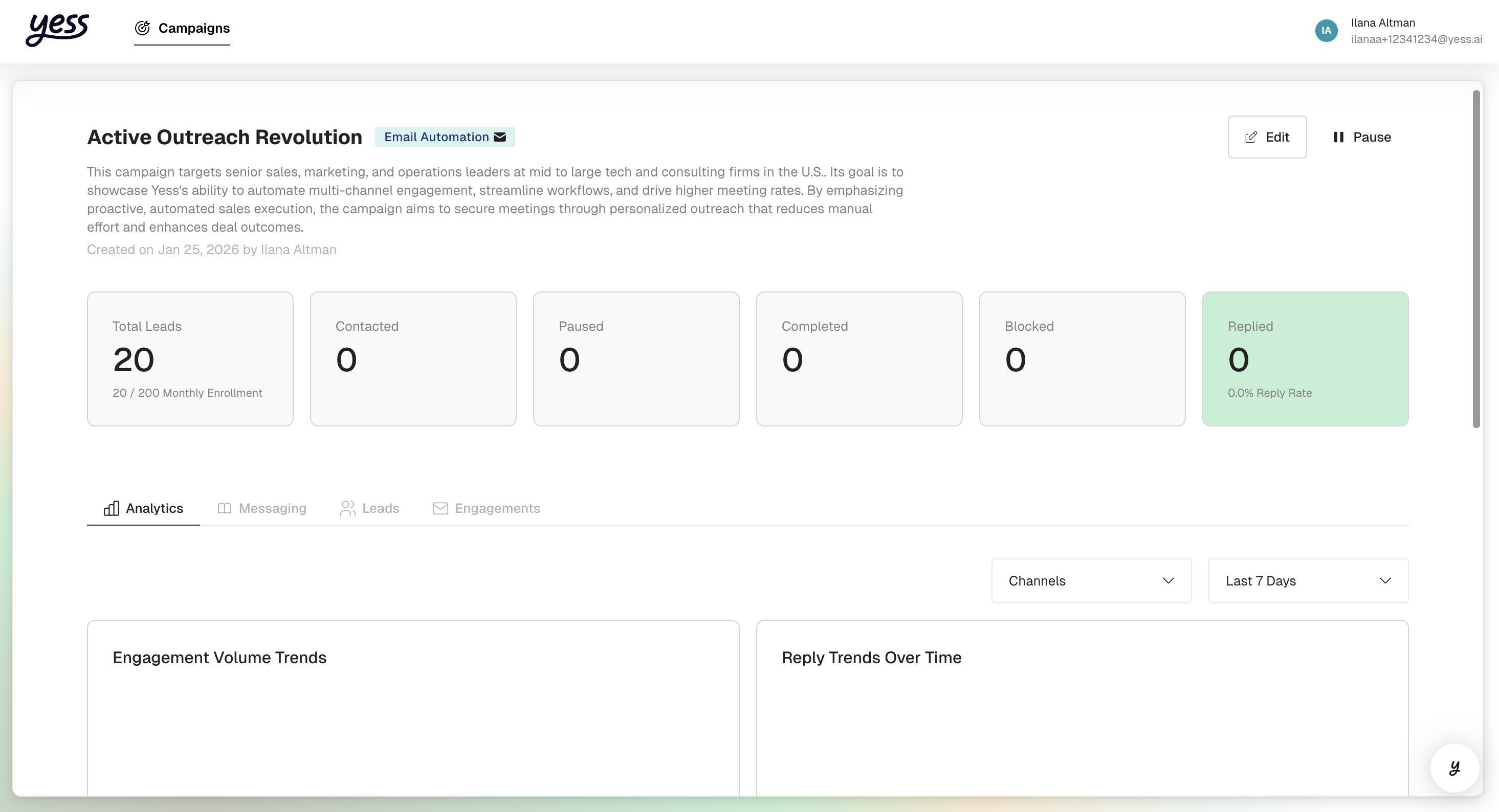
Follow the prompts to authorize YESS to send emails on your behalf. You'll be redirected to your email provider to grant permission.
Once connected, you'll see a green checkmark next to your email address.
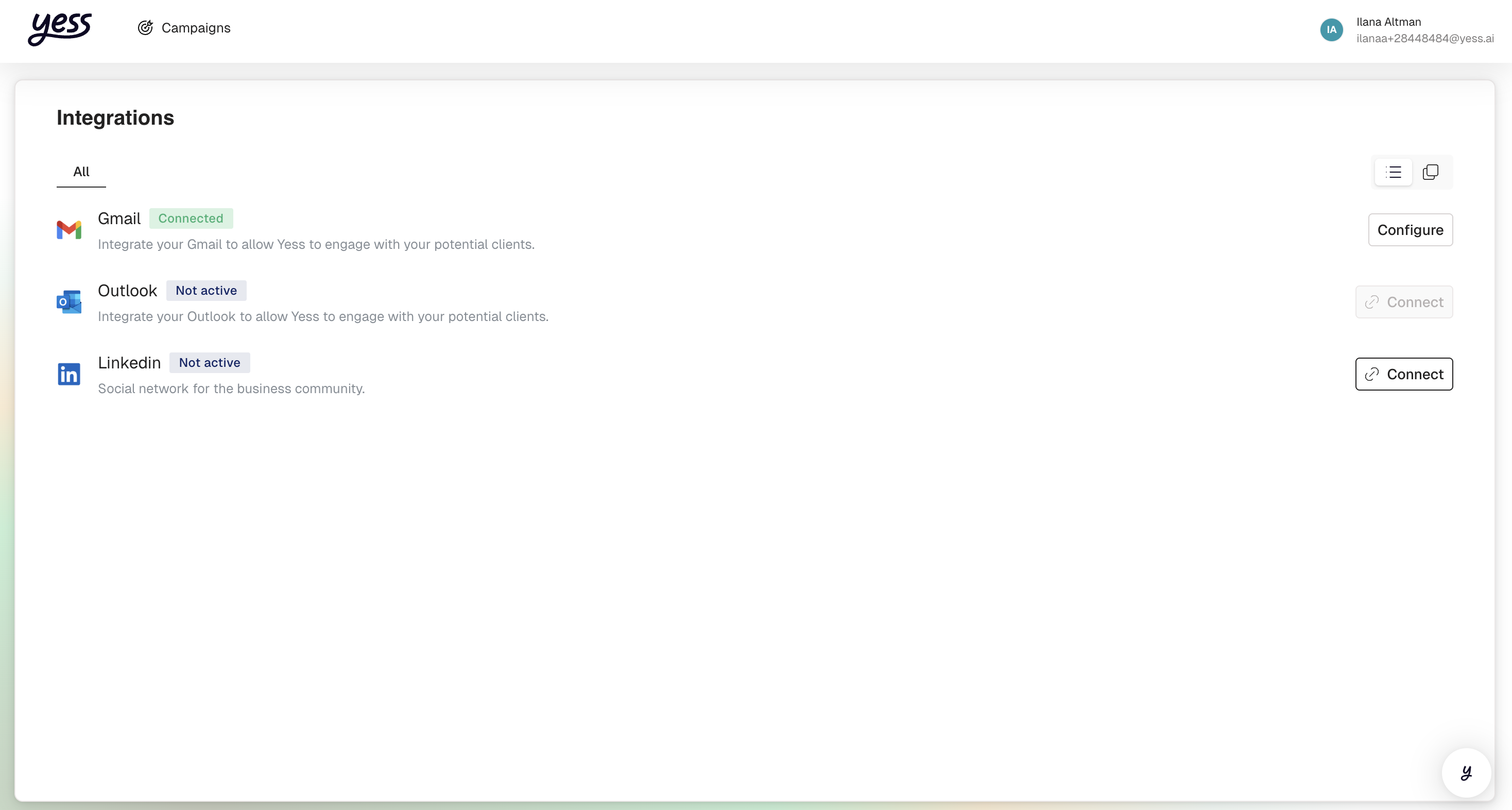
Emails are sent from your actual inbox, so replies come directly to you. This keeps conversations personal and authentic.
LinkedIn Setup
Connect LinkedIn to send connection requests, direct messages, and InMails.
Prefer video? Watch the LinkedIn setup walkthrough
If you haven't already, install the YESS Chrome extension from the Chrome Web Store.
In Settings > Integrations, click Connect LinkedIn.
[Screenshot: LinkedIn connection option]
The extension will prompt you to authorize the connection. Make sure you're logged into LinkedIn in your browser.
Once connected, your LinkedIn profile will appear in the integrations list.
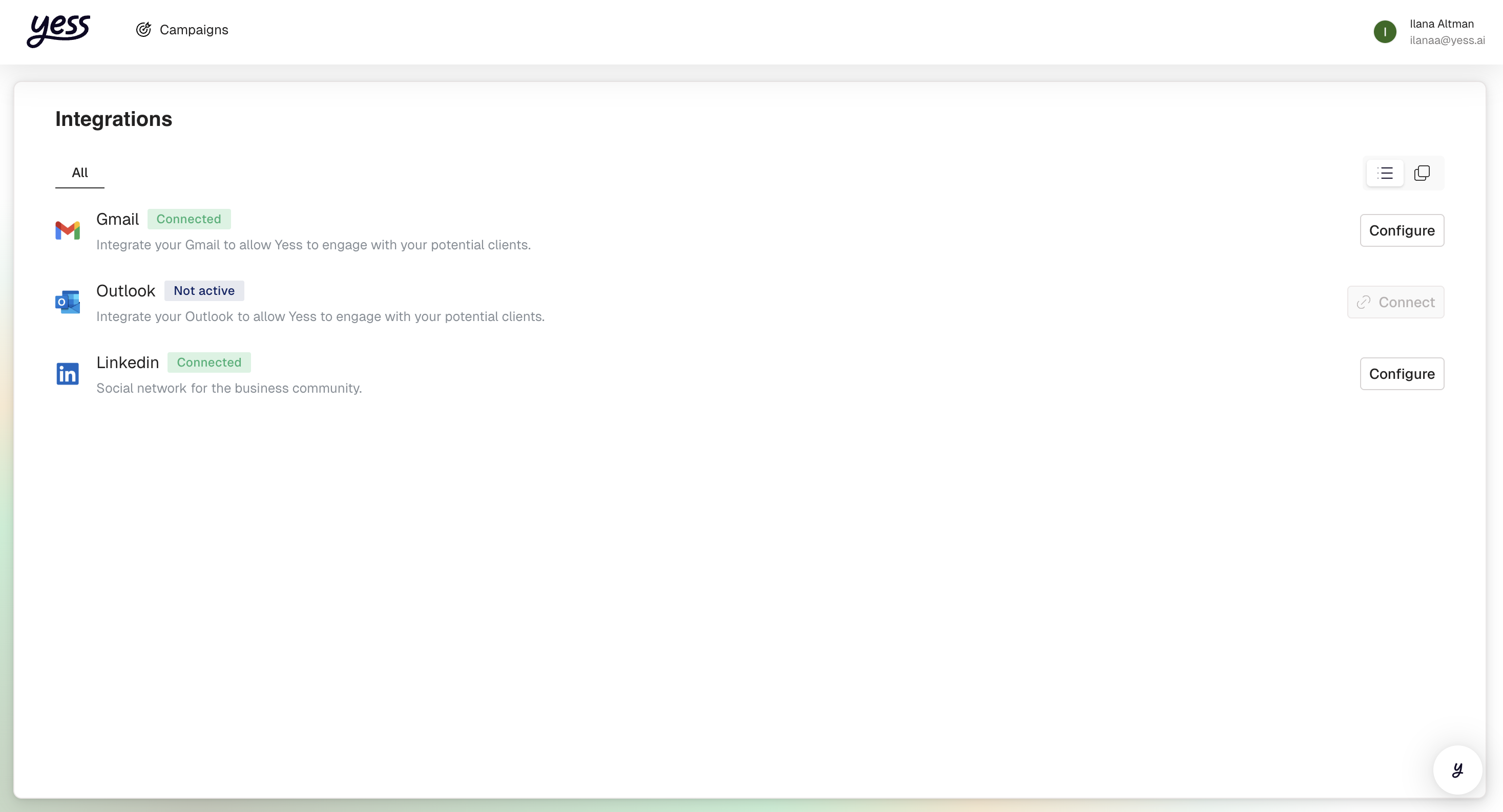
Sales Navigator recommended: While basic LinkedIn works for connection requests and messages, InMail functionality requires a LinkedIn Sales Navigator subscription.
Verifying Your Integrations
After connecting your channels, verify everything is working:
Check Connection Status
Go to Settings > Integrations to see all connected accounts:
| Channel | Status | What It Enables |
|---|---|---|
| Connected ✓ | Send emails, track opens, receive replies | |
| Connected ✓ | Connection requests, messages, InMails |
Troubleshooting
Next Steps
With your channels connected, you're ready to create your first campaign!
Launch Your First Campaign
Follow our step-by-step guide to create and launch your first outreach campaign.